Excel Password Remover Pro 2010 Full Torrent
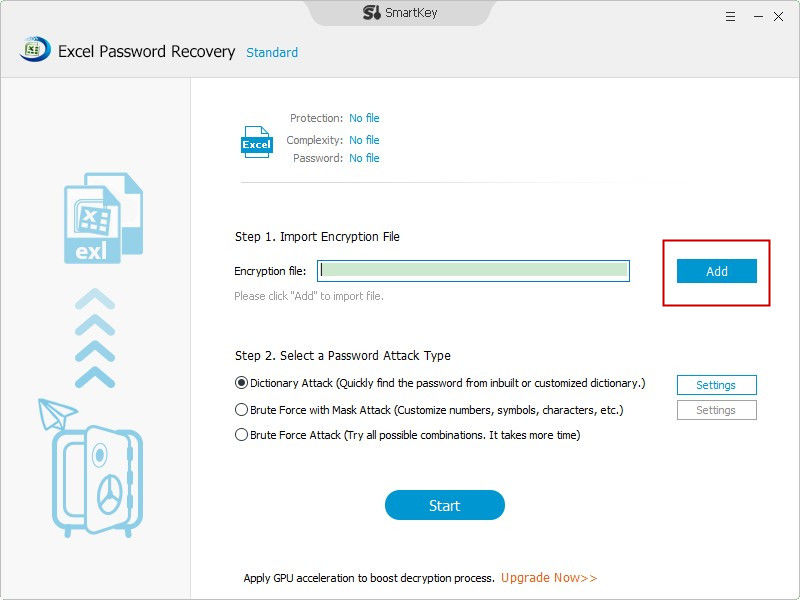
It is always annoying when forgetting passwords. It is also annoying when you inherit a document from a previous employee and it is protected by a password only they knew. But your boss asked for you to get the data from that spreadsheet and change some things and Right now!
When I was not able to recall the password I used for an Excel file, I turned to Excel Password Remover to address my problem. Excel Password Remover foster full password removal assistance in a user-friendly interface and also it provides full technical professional assistance right before your very eyes. Trial Version. Cooking Academy 2 World Cuisine Crack Download.
Microsoft Office 2016 Product Key Generator final activation Is the best and important method that activates you the softwares program active. Hot spots Hot spots Hot spots Hot spots. 1 bremont watches heathrow 2017-2018; 2 breitling Clock Used 2017-2018.
What are you going to do? Well the good news is that if the document isn’t encrypted, this process is pretty straightforward. You will be up and running in no time! AND you don’t have to spend $40 on some software you will use only once.
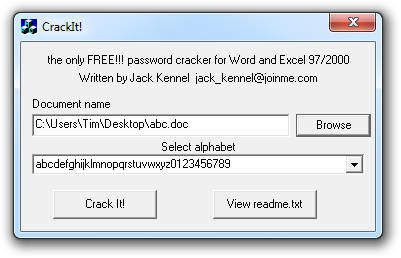
If you need to crack a Word Document as well, check out my post. Crack Microsoft Excel Password Instructions These instructions cover the process of breaking edit/read only protection on Microsoft Excel workbooks and worksheets. This WILL NOT work on Excel files that have been encrypted. Disclaimer: There can be a number of reasons for breaking password protection on an Excel file. Before we start, please note that I take zero responsibility for the results of these instructions. You are the master of your own actions and by proceeding, you take full responsibility of your own actions.
Step 1: Make a Backup of Your File. You will be making changes to the internal structure of your document.
It is good practice to create backups before starting. Step 2: Check your file format This will only work on Excel files that are 2007, 2010, 2013 and have “.xlsx,.xlsm” formats. If your document is in an older format “.xls” from Excel 2003 or older, open in Excel 2007, 2010, or 2013 and save as an “.xlsx file”. If your excel file has macros, save as an “.xlsm” file to enable macros.
Step 3: Disassemble your Document Because the.xlsx file format is based on a tree structure with XML files, it is easy to disassemble. For this example, I protected both the individual worksheet and workbook on my sample excel file. We will break this protection by changing some settings in the file. For the disassembly process, the main file compression utility in windows will work just fine. For the first part of this demo, I am using. If you can’t install WinRAR, please scroll down to see the alternate disassembly process using the Windows built-in file compression tool.
Disassembly with WinRAR: • Open WinRAR and click the File menu. • Select Open archive. • Set the file type at the bottom from “all archives” to “all files”. • Locate your Excel file and click “Open” Step 4: Remove Password Protection The root view of the excel file structure: The files you are going to edit are in the xl folder that is circled in red. For Workbook(whole excel file) Settings: xl>workbook.xml For Individual Worksheet File Settings: xl>worksheets>sheet1.xml [ sheet2.xml] – etc Make your Changes Browse to xl>workbook.xml and double click on the file. If you are prompted to select an application, always select NOTEPAD – NOT WORDPAD! If you are unfamiliar with XML, this might look strange.
Find the line that looks like. 1 2 3 4 5 6 Change lockStructure=”1″ to lockStructure=”0″ Save and Close the XML file you just edited WinRAR will tell you that “workbook.xml” was modified and ask you to update it in the archive. Browse to xl>worksheets>sheet1.xml(or sheet2, sheet3, etc) and double click on the file. Delete the whole line that looks like. 1 2 3 4 5 6 7 Save and Close the XML file you just edited When prompted to update the archive with the file you just modified, select YES.
Sygic Keygen Android Скачать. Close out of WinRAR and Open your file. NOTE: If you are using Excel 2010, the following buttons may need to be clicked on to “unstick” them: Once unstuck, you should now be able to edit the document as you please. Alternate Disassembly Instructions – Windows Archive Tool By default, file extensions are hidden for common document types.